
Convert and decode
Drop, browse, or paste an image to get PNG, JPEG, or WebP output as Base64. Decode existing Base64 to preview and download the image.
Frame64 converts images to Base64 data URLs, optimizes file size, resizes, crops, and compares quality, all in your browser. Your images are processed on your device and are not uploaded to a conversion server.
Start with the free version, or try everything free for 14 days.

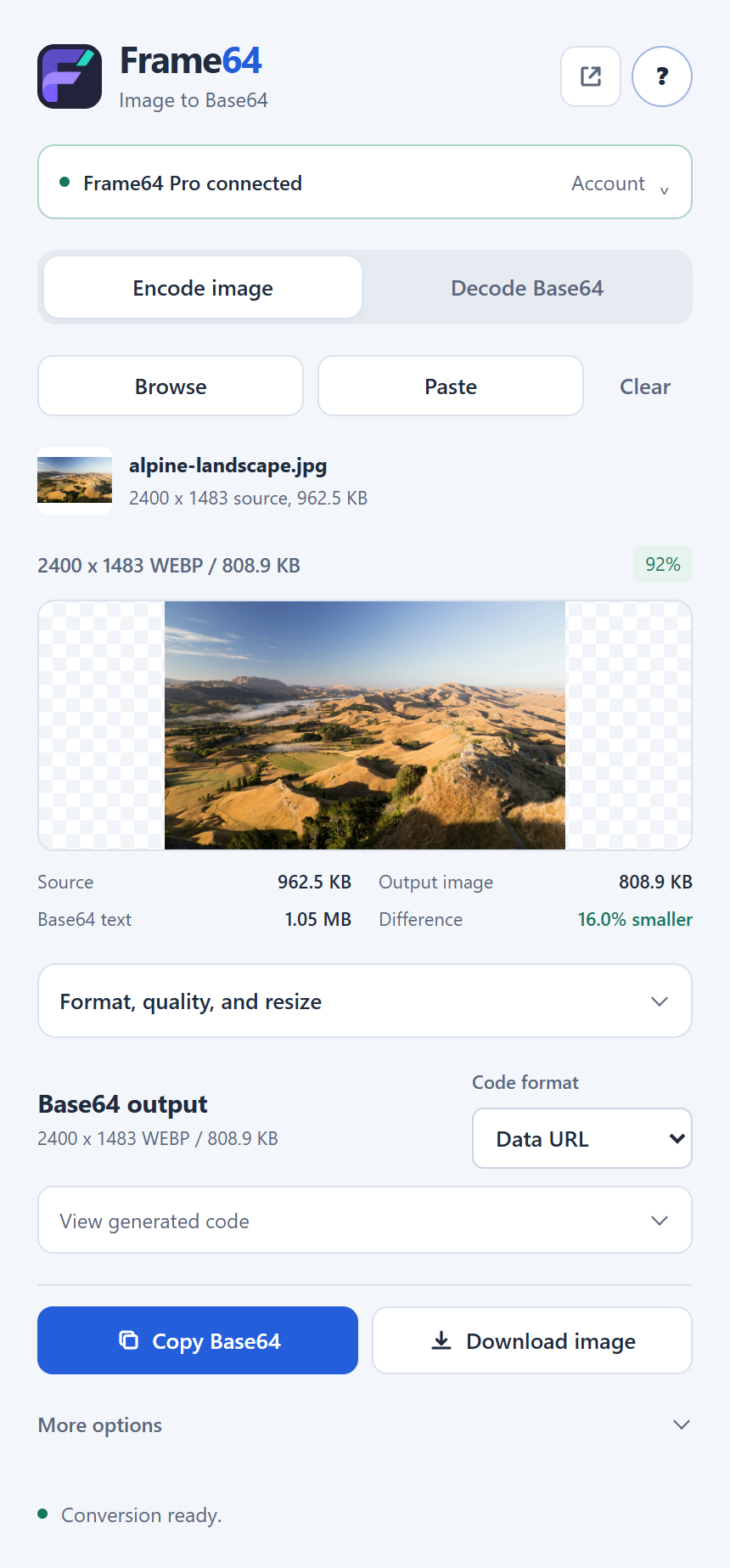
Drop, browse, or paste an image to get PNG, JPEG, or WebP output as Base64. Decode existing Base64 to preview and download the image.
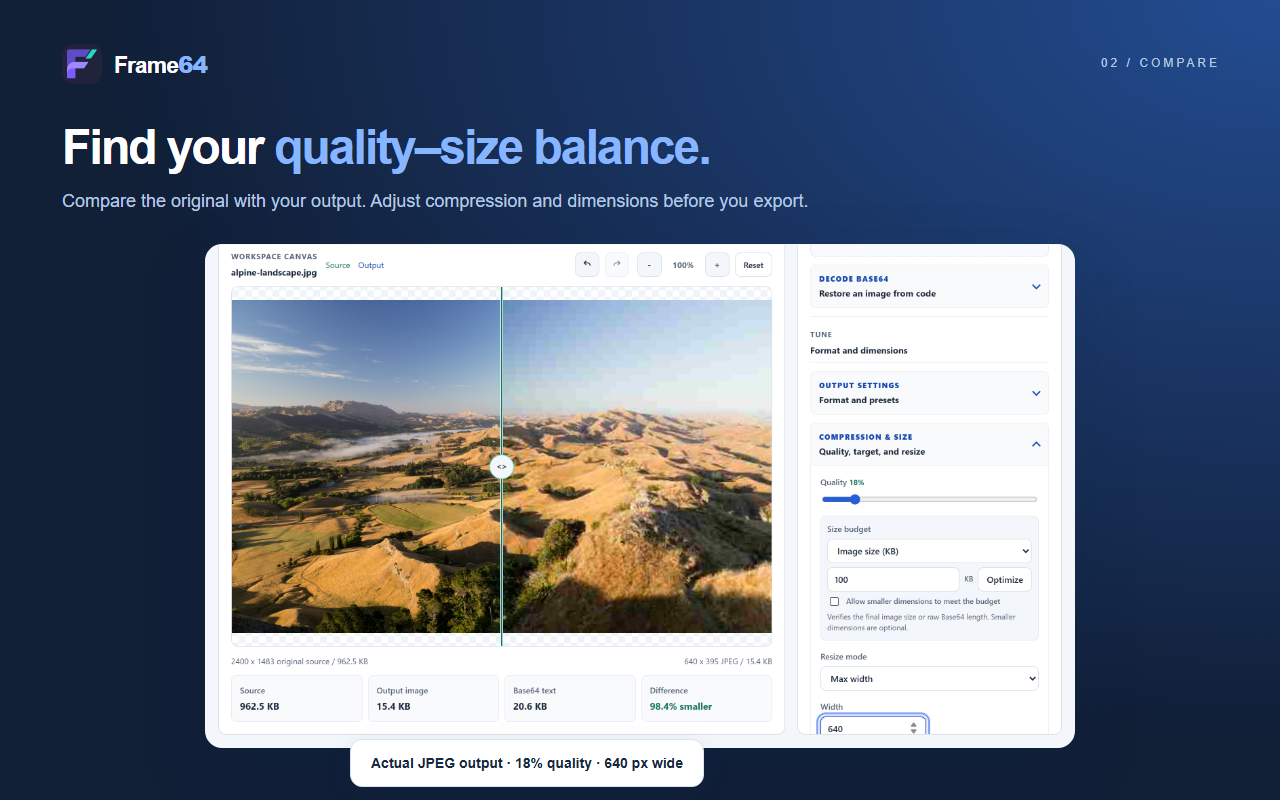
Resize by width, height, or exact size, adjust quality, and aim for a target file size with JPEG or WebP.
Compare the original and processed image with a draggable divider, synced zoom and pan, and live size numbers.
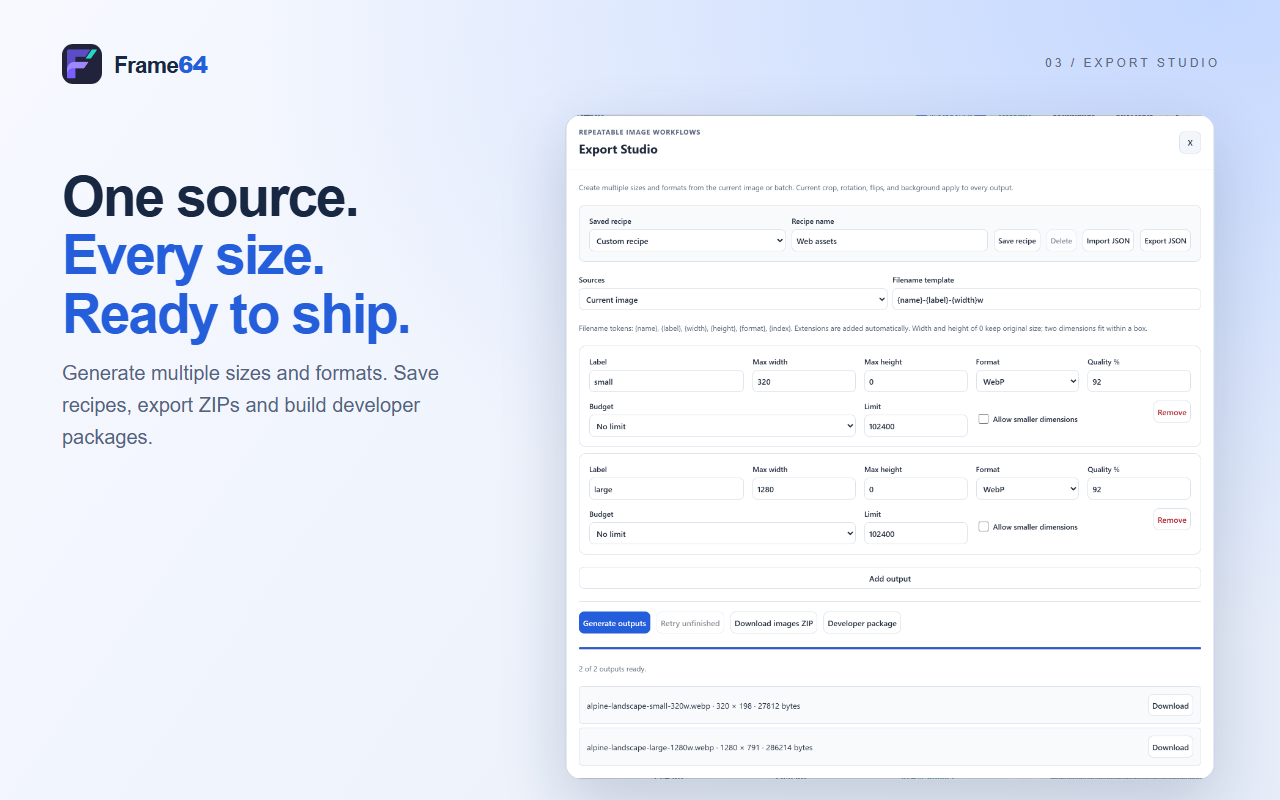
Generate several sizes and formats from one source, and save your export settings as recipes you can reuse.
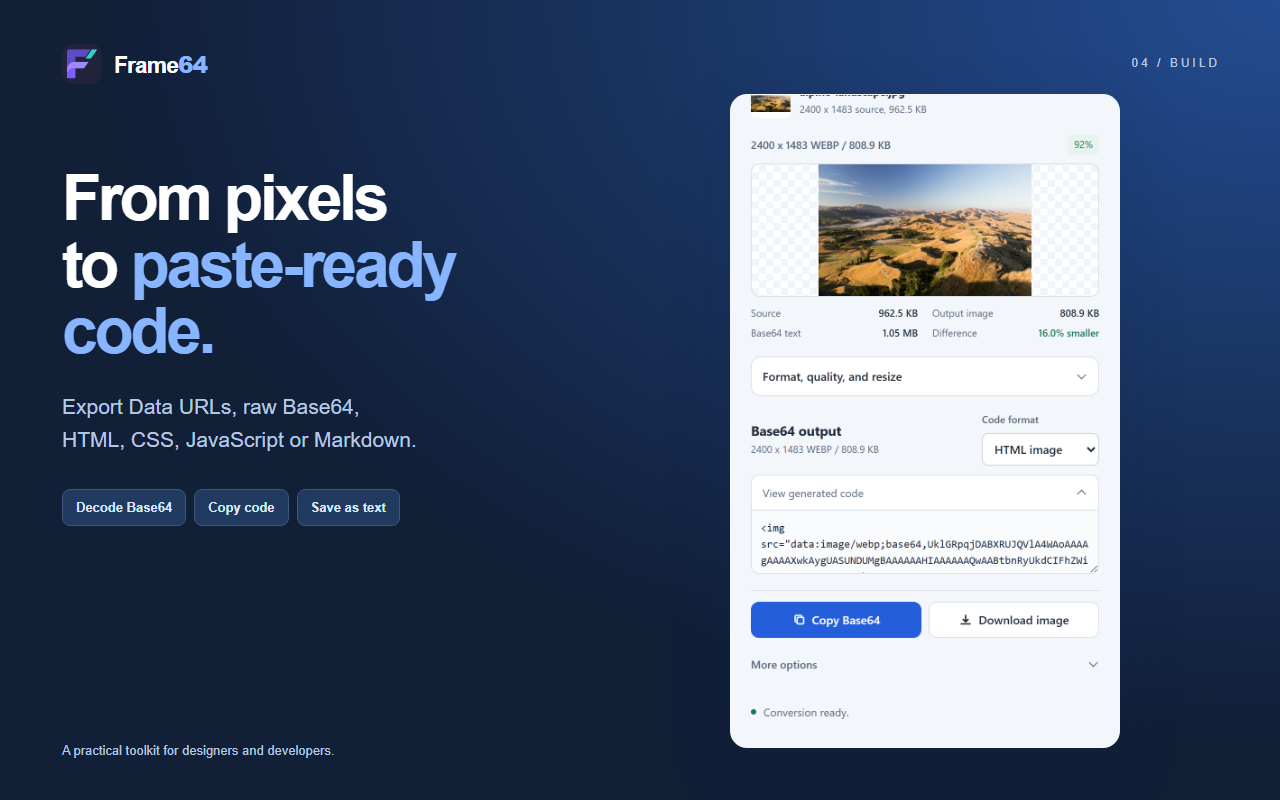
Copy the result as a Data URL or raw Base64, or as HTML, CSS, JavaScript, or Markdown snippets.
Images are processed locally in your browser. PDF pages can be converted to images locally too.
Select an image to open it at full size in a new tab. Screenshots show Frame64 Pro and a sample photograph.
The free version covers single-image conversion without an account. Frame64 Pro adds batch conversion, PDF pages, saved recipes, and developer packages. Start a 14-day trial of everything, or choose a plan.
$0
$0 for 14 days
$0.99 USD / month
$9.99 USD / year
$15.99 USD, one time
Prices are in US dollars as of October 6, 2026. Checkout and billing are handled by ExtensionPay and Stripe, and you can see the amount you will be billed before you pay. Install Frame64 from the Chrome Web Store.
No. Frame64 converts, resizes, and compares images locally in your browser. Images are not uploaded to a conversion server.
Convert one image at a time, up to 5 MB, with unlimited basic exports and no email required. Batch conversion, PDF pages, saved recipes, and developer packages need an active trial or a paid plan.
The trial begins when you confirm your email through ExtensionPay, not when you install the extension, and it includes every Pro feature.
PNG, JPEG, and WebP images, as a Data URL, raw Base64, or HTML, CSS, JavaScript, or Markdown snippets.
More answers in Frame64 Support.