
Flexible heat mapping
Color locations with any numeric Power BI measure, including inventory, picks, utilization, dwell time, shortages, cost, or exceptions.
Map inventory, activity, capacity, and operational exceptions to physical warehouse locations directly inside Microsoft Power BI.
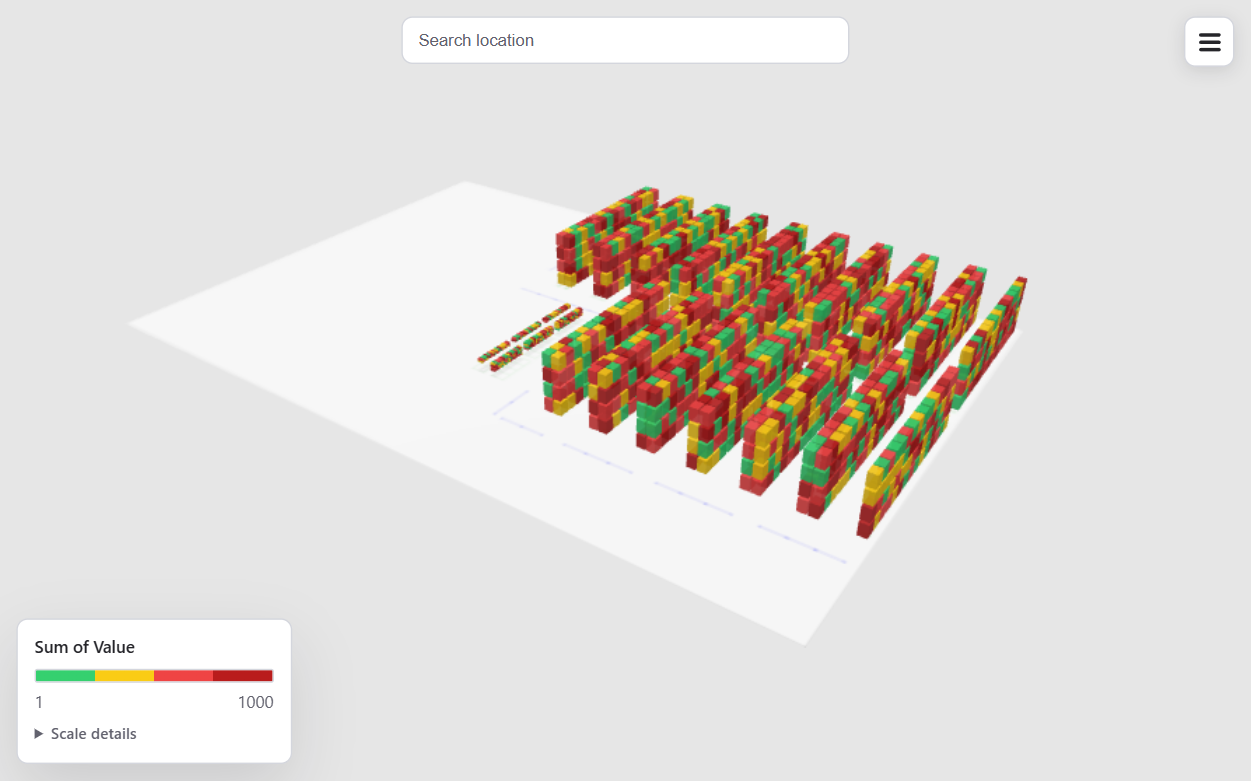
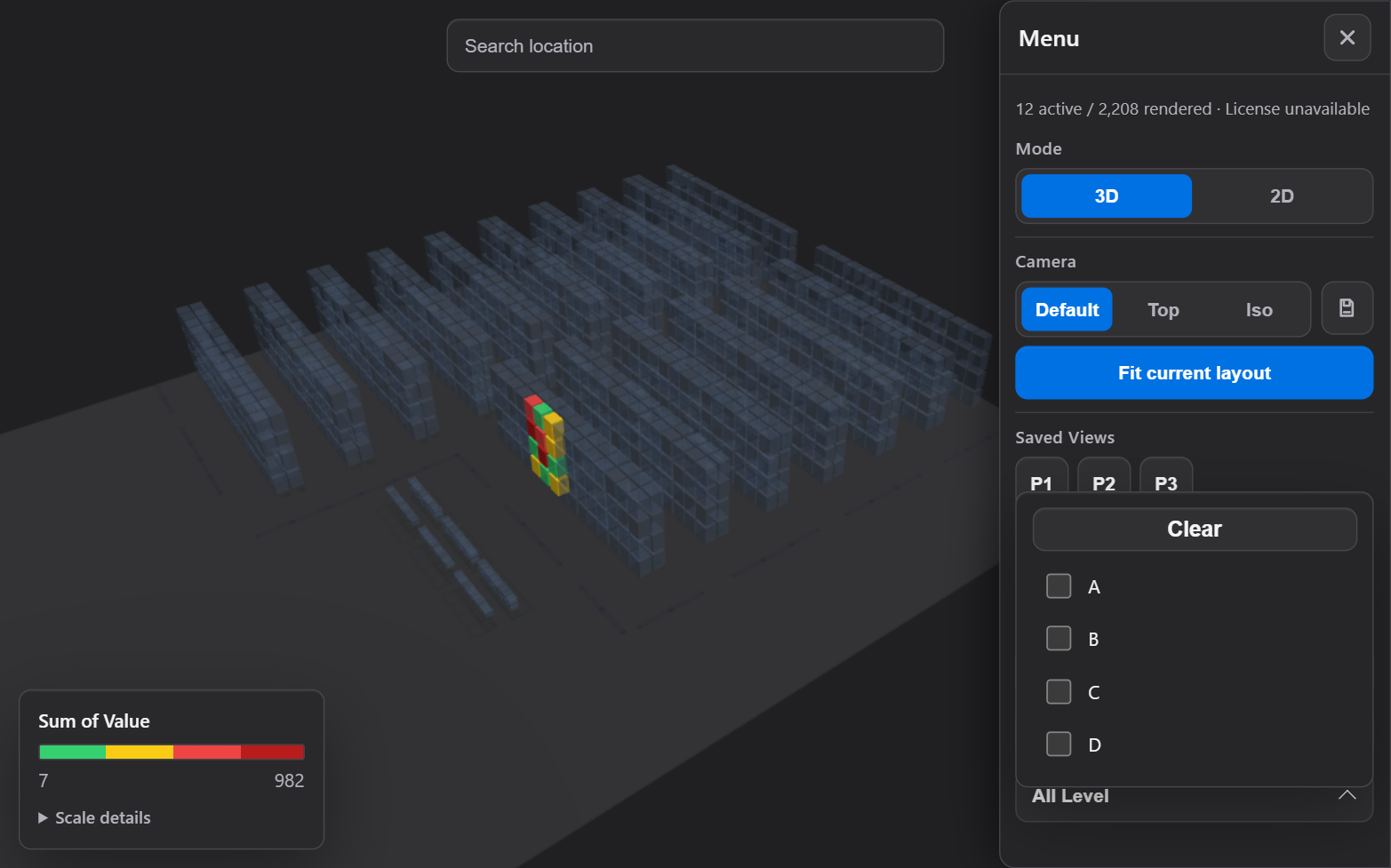
Connect a Power BI measure to physical bin coordinates and explore patterns across aisles, levels, zones, and neighboring locations. Search for a location, isolate operational categories, switch between 3D and 2D views, and let report filters update the layout in context.
Coordinate-based warehouse rendering from X, Y, and Z fields.
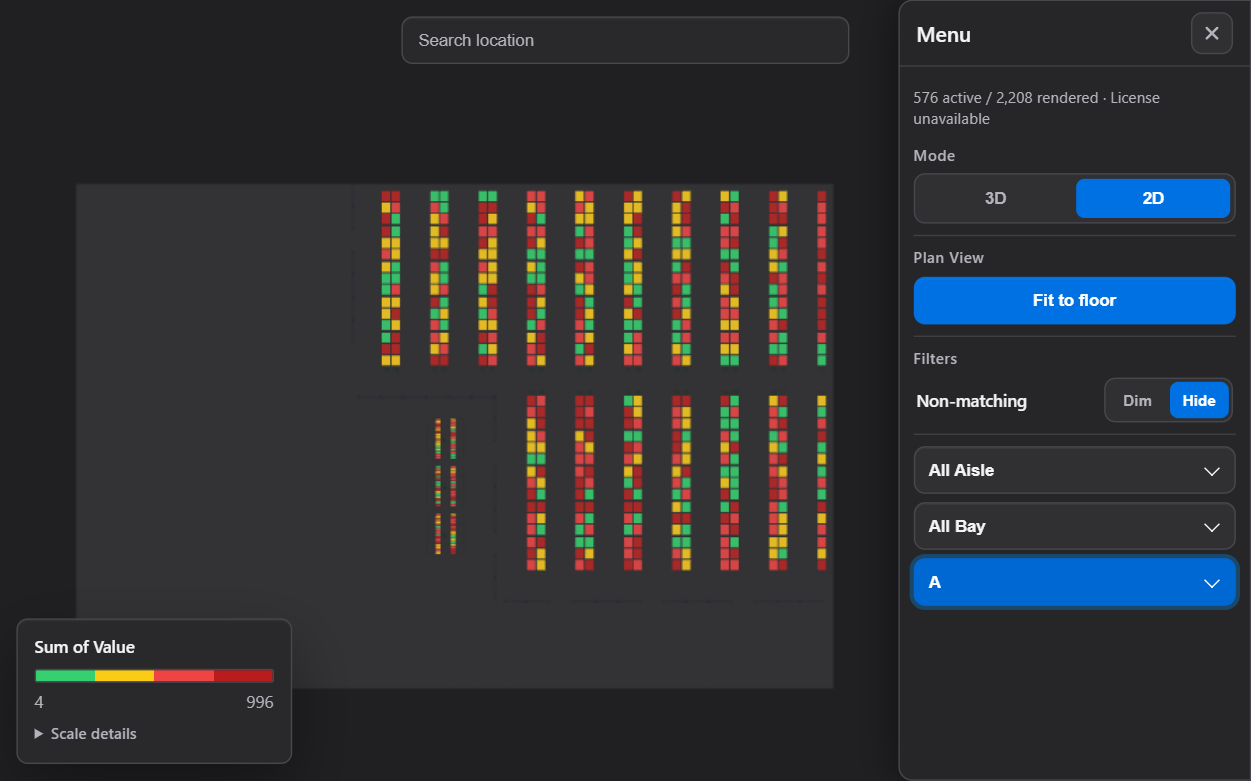
Flat bird's-eye plan view when operational overview matters most.
Custom category filters for aisle, bay, level, zone, process, or your own model.
Once you have the visual installed, load this CSV into Power BI to explore a warehouse with 2,208 locations. It includes location names, coordinates, bin dimensions, category fields, and values for the heatmap, so you can try the visual before mapping your own warehouse.
warehouse_sample.csv · 104 KB · Tested with Unclocked Warehouse 3D
Color locations with any numeric Power BI measure, including inventory, picks, utilization, dwell time, shortages, cost, or exceptions.
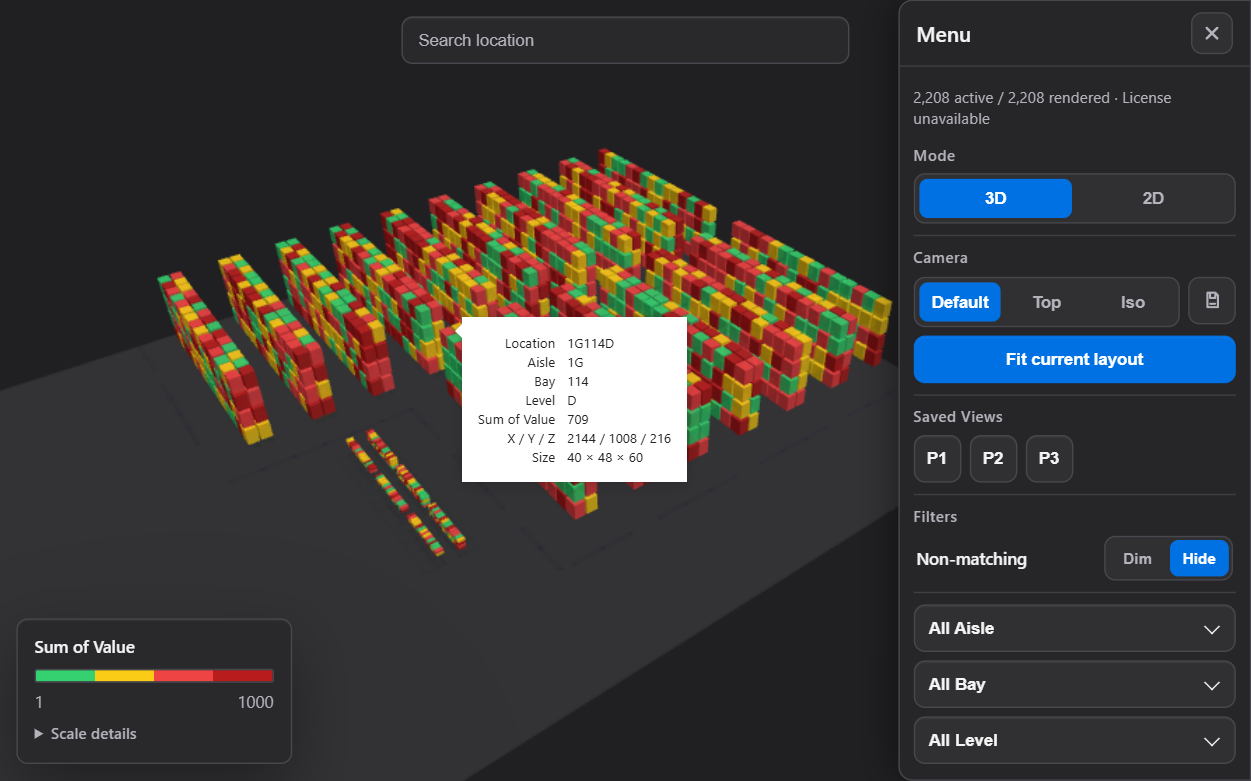
Find a Location ID without manually navigating a large warehouse model and focus the camera on that location.
Store reusable camera presets for important areas such as receiving, reserve storage, forward pick, or shipping.
Use report filters, Power BI selection behavior, Location ID filtering, tooltips, and the standard context menu.
Display a configurable floor plane or align a floor-plan image beneath warehouse locations.
Use instanced rendering, progressive rendering, geometry caching, and presets for larger layouts.
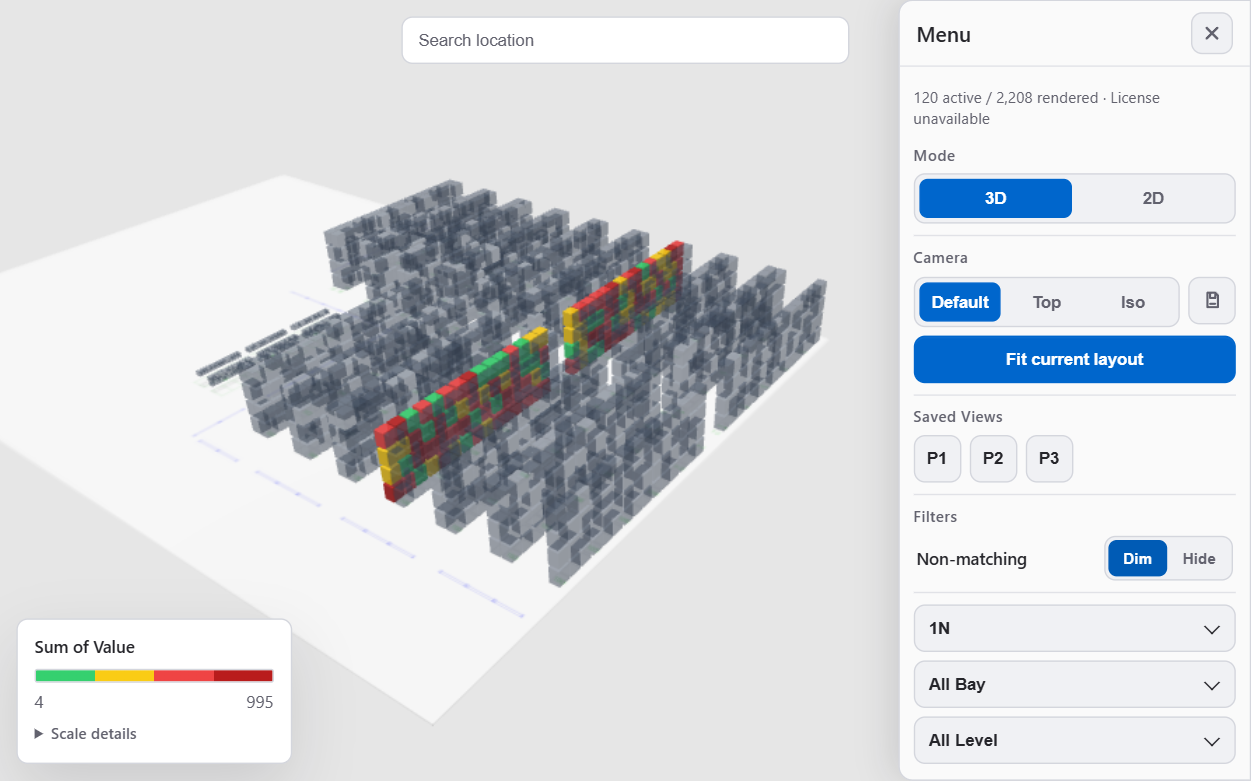
These screenshots preview the update currently in review, using the sample warehouse data. Select an image to open it at full size in a new tab.
Use stable Location IDs and numeric X, Y, and Z coordinates for each bin or physical location.
Map inventory, picks, utilization, aging, capacity, quality holds, or another operational metric.
Use slicers, filters, search, category controls, and saved camera views to investigate patterns.
The first version of Unclocked Warehouse 3D is published and available now. The latest update is currently under review. We expect it to take at least another two weeks to go live, depending on the review process.
Update status as of September 16, 2026. The screenshots on this page preview the update currently in review.
The free experience is designed for focused layouts and evaluation up to 2,500 rendered bins, while the Professional plan removes that free-tier restriction for larger operational deployments.
Already have an AutoCAD warehouse drawing but no coordinate table? Request warehouse mapping to discuss a CSV of location names and X, Y, Z coordinates. Additional requirements can be agreed during scoping.
Questions about the available version or the upcoming update? Visit support or email support@unclocked.app.